
Srinakharinwirot University provides VPN services (Virtual Private Network) to access the university services.
After installation, students are required to access by using Buasri ID (the student ID to access any university services)
Download VPN
For Windows 10, 11 CLICK
For Windows 7, 8 CLICK
For Windows XP CLICK
How to use VPN?
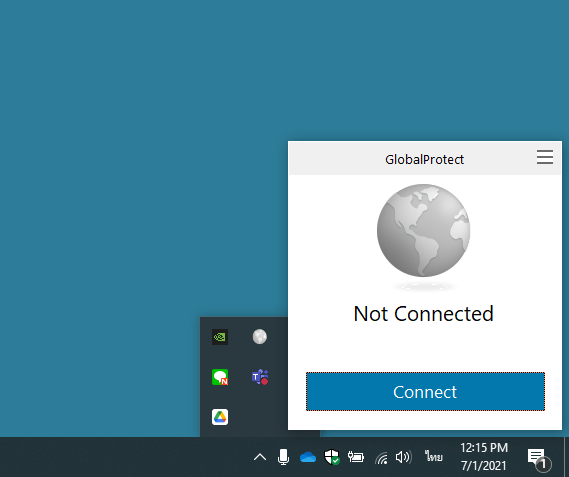
- After installation, click the world icon at the bottom right of the screen.

2. Click Connect
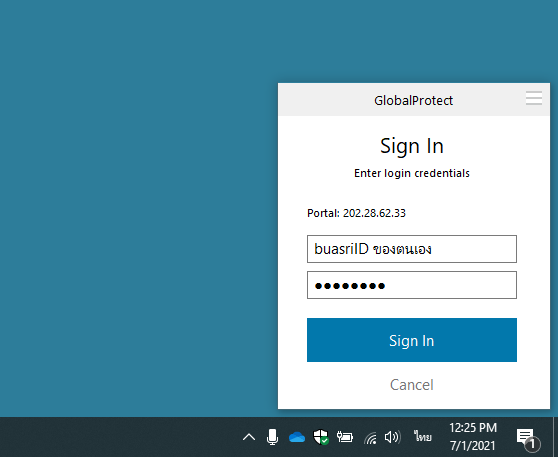
3. Fill in the details:
– Portal : 202.28.62.33
– Username : Buasri ID
– Password : Buasri ID password
—- Click Sign IN
4. You will be connected successfully.